
Panasonic DMC-GF5 Digital Camera User Manual

This document is the owner's manual for the DMC-GF5 digital camera, which provides information on how to use the camera, precautions, basic functions, etc.
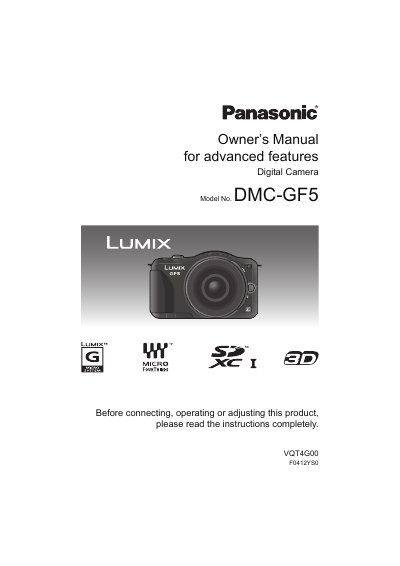

Panasonic DMC-GF5 Digital Camera User Manual - cover page
Brand
Panasonic
Category
Digital cameras
Document type
User Manual
Language
English
Pages
213
File format
PDF
File size
6.7 MB
Published
10 August, 2012
Updated
29 September, 2023
Model
DMC-GF5
MD5 checksum
6D891A2C956626CB73BEAEBD5C9E3C58

About this manual

This manual provides comprehensive instructions for the Panasonic DMC-GF5 digital camera. It covers essential topics including care of the camera, standard accessories, and names and functions of components on the camera body and lens. The guide details how to prepare the camera, such as changing the lens, attaching the shoulder strap, and charging the battery. It also explains how to insert and remove memory cards and set the date and time.

What's inside

  • Before Use
  • Standard Accessories
  • Names and Functions of Components
  • About the Lens
  • Charging the Battery
  • Taking a Still Picture
  • Taking Pictures using the Automatic Function
  • Recording Motion Picture
  • Playing Back Pictures
  • Setting the Menu

Frequently asked questions

What happens if the camera is dropped or hit?

The lens, LCD monitor, or external case may be damaged, and the camera may malfunction or fail to record images.

How long should the camera sit if condensation forms on the lens?

You should turn the camera off and leave it for about 2 hours until the fog disappears naturally.

What should you do if you accidentally press hard on the touch screen while holding the camera?

This may affect the touch screen operation, so you should avoid having your hand apply pressure to the screen.

Download PDF (6.7 MB)

More Panasonic Manuals


View all Panasonic manuals →