
This manual provides detailed instructions on how to use the Panasonic DMC-LC43PP digital camera.
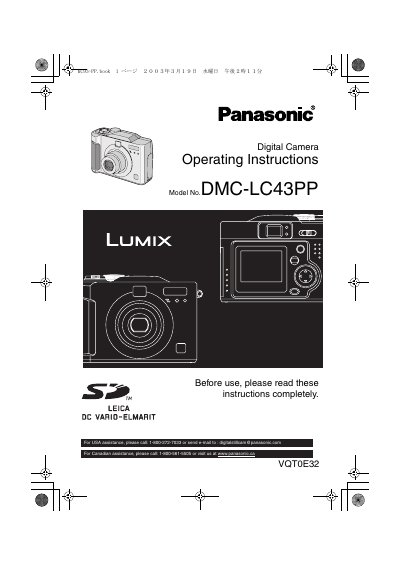
This document provides the operating instructions for the Panasonic DMC-LC43PP digital camera. It begins with safety information and a list of standard accessories, followed by a detailed guide on preparing the camera, including charging batteries and inserting the memory card. The manual explains how to turn the camera on and off, attach the strap, and use the LCD monitor and optical viewfinder.
| Effective Pixels | approximately 114,000 pixels |
|---|---|
| Effective Pixel Rate | more than 99.99% |
| Inactive Pixel Rate | 0.01% |
| Memory Card | SD Memory Card (16MB) |
| Battery Type | nickel-metal hydride |
| Battery Charger Model | DE-894 |
| USB Cable Model | K2KZ4CB00005 |
| AC Cable Model | K2KD3CBo00001 |
The model number is DMC-LC43PP.
An SD Memory Card with 16MB capacity is included.
The camera uses a nickel-metal hydride battery.
The LCD monitor features approximately 114,000 effective pixels.