
Panasonic DMC-LC33PP Digital Camera Operating Instructions

This is a product instruction manual for a Panasonic DMC-LC33PP digital camera
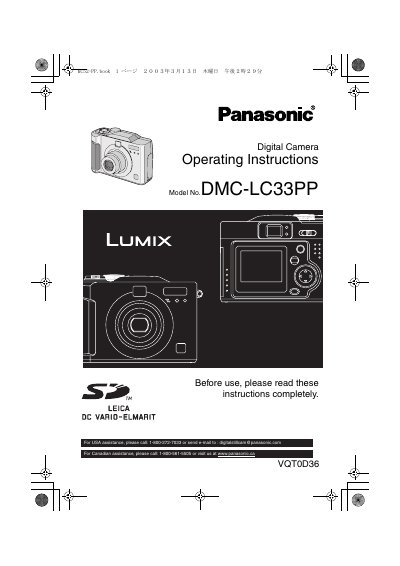

Panasonic DMC-LC33PP Digital Camera Operating Instructions - cover page
Brand
Panasonic
Category
Digital cameras
Document type
User Manual
Language
English
Pages
104
File format
PDF
File size
5.1 MB
Published
10 August, 2012
Updated
30 September, 2023
MD5 checksum
F7B5177CA4A756B18D7E51C3FF3B7ECF

About this manual

This document serves as the Operating Instructions for the Panasonic DMC-LC33PP digital camera. It provides comprehensive guidance on safety precautions, standard accessories, and the names of camera components. The manual details how to prepare the camera, including inserting batteries and memory cards, and turning the power on or off.

What's inside

  • Safety
  • Standard Accessories
  • Names of the Components
  • LCD Monitor Display
  • Quick Guide
  • Inserting the Batteries
  • Inserting the Card
  • Turning Power on/off
  • Using the LCD Monitor
  • Recording images

Specifications

LCD Monitor Pixelsapproximately 114,000 pixels
Effective Pixelsmore than 99.99%
Inactive Pixels0.01%

Frequently asked questions

What does the REC data indication mean on the LCD monitor?

The REC data indication is displayed when the [DISPLAY] button is pressed during playback.

What is the model number of this digital camera?

The model number for this digital camera is DMC-LC33PP.

What is the total number of pixels on the LCD Monitor screen?

The LCD Monitor screen features a total of approximately 114,000 pixels.

What is the phone number for USA assistance?

For USA assistance, you should call 1-800-272-7033.

Download PDF (5.1 MB)

More Panasonic Manuals


View all Panasonic manuals →