
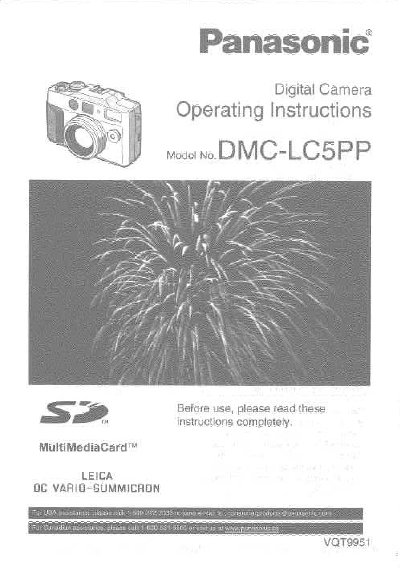
This document provides the operating instructions for the Panasonic DMC-LC5PP digital camera. It details the components included in the box, such as the battery pack and memory card, and explains how to insert them and charge the battery. The guide covers safety precautions, including warnings about moisture and disposal of mercury-containing parts.
The manual explains how to operate the camera, including adjusting the optical finder, attaching accessories like the strap and lens cap, and using the LCD monitor. It provides comprehensive instructions for recording still and motion images in various modes, such as Auto, Program AE, Aperture-priority AE, and Manual Exposure. Advanced features like focus bracketing, macro mode, and burst mode are also described.
| Memory Card | SD Memory Card (32 MB) |
|---|---|
| Battery Pack | CGA-S602A |
| USB Cable | K1HA05CD0001 |
The model number is DMC-LC5PP.
The camera includes a 32 MB SD Memory Card.
Yes, the camera allows you to record motion images.