
Panasonic DMC-LS1PP Digital Camera Operating Instructions

This is an operating instructions for Panasonic Digital Camera DMC-LS1PP
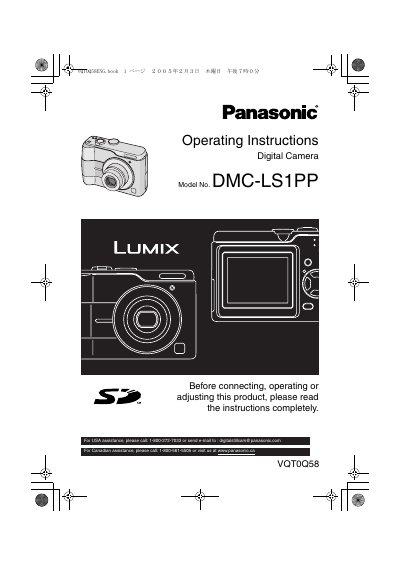

Panasonic DMC-LS1PP Digital Camera Operating Instructions - cover page
Brand
Panasonic
Category
Digital cameras
Document type
User Manual
Language
English
Pages
112
File format
PDF
File size
6.3 MB
Published
10 August, 2012
Updated
30 September, 2023
MD5 checksum
C901AEAF5116452A59BA5FA3EBDECAEC

About this manual

This is the operating instructions manual for the Panasonic DMC-LS1PP digital camera. It begins with safety information, camera care, standard accessories, component names, battery and card handling, and date/time and setup menu instructions.

The manual then covers basic and advanced recording, playback, menu settings, connecting the camera to a PC or PictBridge-compliant printer, troubleshooting, specifications, and customer service information.

What's inside

  • About the Batteries
  • Inserting/Removing the Batteries
  • Taking Pictures
  • Using the Optical Zoom
  • Taking Pictures using the Built-in Flash
  • Playing Back Pictures
  • Using the [REC] mode menu
  • Connecting to a PC
  • Connecting to a PictBridge-compliant Printer
  • Specifications

Specifications

LCD monitor effective pixelsMore than 99.99% effective pixels

Frequently asked questions

What should I do if condensation forms on the camera?

Turn the camera off and leave it for about 2 hours; when it reaches ambient temperature, the fog disappears naturally.

How should I store the camera if I will not use it for a long time?

Store batteries in a cool, dry place at a relatively stable temperature and remove the batteries and card from the camera.

What number can USA customers call for assistance?

USA customers can call 1-800-272-7033 or email [email protected].

Download PDF (6.3 MB)

More Panasonic Manuals


View all Panasonic manuals →