
Panasonic DMC-L10K Digital Camera Operating Instructions

This is a basic operating instructions for Panasonic DMC-L10K Digital Camera / Lens Kit
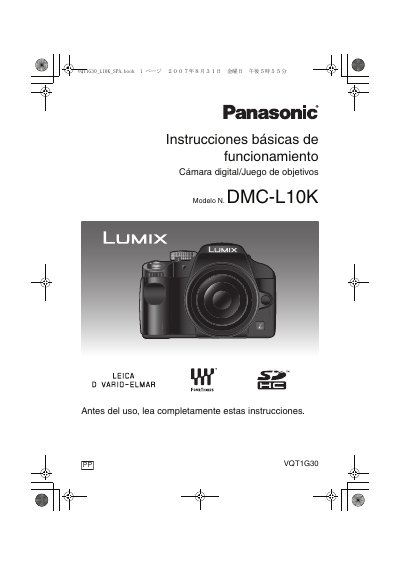

Panasonic DMC-L10K Digital Camera Operating Instructions - cover page
Brand
Panasonic
Category
Digital cameras
Document type
User Manual
Language
English
Pages
160
File format
PDF
File size
9.5 MB
Published
10 August, 2012
Updated
30 September, 2023
MD5 checksum
F9734F4E76EAED000F2DAFE38820F95B

About this manual

This manual provides operating instructions for the Panasonic DMC-L10K Digital Camera and Lens Kit. It covers essential safety information, preparation steps including battery charging and memory card usage, and basic camera setup such as date/time settings and mode dial configuration. The guide explains how to switch between the optical viewfinder and Live View display on the LCD monitor.

What's inside

  • Information for Your Safety
  • Standard Accessories
  • Names of the Components
  • About the Lens
  • Charging the Battery
  • About the Card
  • Taking Pictures with the Viewfinder
  • Taking Pictures in Auto Mode
  • Playing Back Pictures
  • Taking Pictures with Live View

Specifications

Memory Card CompatibilitySD Memory Card, SDHC Memory Card, MultiMediaCard
SDHC Capacity4 GB
Power SupplyAC 110 V to 240 V

Frequently asked questions

What memory cards are compatible with this camera?

The camera supports SD Memory Cards, SDHC Memory Cards, and MultiMediaCards.

How should I handle condensation on the lens?

Turn the camera off and leave it for about 2 hours until the temperature matches the ambient temperature.

Can I use an SDHC card without the SDHC logo?

No, a 4 GB card without the SDHC logo will not work in this product.

Download PDF (9.5 MB)

More Panasonic Manuals


View all Panasonic manuals →