
This document is the basic owner's manual for the Panasonic digital camera model DMC-GF5X/DMC-GF5K DMC-GF5. The manual provides detailed instructions on connecting, operating, and adjusting the camera, as well as more detailed advanced features in the supplied CD-ROM. The manual also includes information on the features and characteristics of the product.
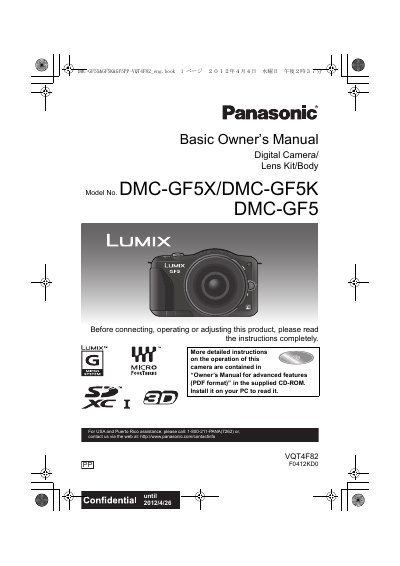
This Basic Owner's Manual for the Panasonic DMC-GF5X, DMC-GF5K and DMC-GF5 digital cameras explains initial setup and basic operation. It covers the supplied accessories and component names, changing the lens, charging the battery, inserting the card and battery, clock setting, recording modes, still and motion picture shooting, playback, deleting pictures, and menu settings.
The document also includes safety information, care and condensation notes, reading the advanced Owner's Manual on the supplied CD-ROM, supplied software installation, specifications, the accessory system, and warranty information for the U.S.A. and Puerto Rico.
| Battery charger input voltage | 110 V to 240 V AC |
|---|---|
| Camera water resistance | Not dust/drip/water proof |
They are contained in the “Owner’s Manual for advanced features (PDF format)” on the supplied CD-ROM.
Turn the camera off and leave it for about 2 hours; the fog will disappear naturally.
No. The camera is not dust/drip/water proof, so avoid places where water can contact it.
It operates on AC between 110 V and 240 V; in the U.S.A. and Canada it must be connected to 120 V AC only.