
This is an operating manual for the Panasonic Digital Camera/Lens Kit Model No. DMC-G10K. The manual provides instructions for using the product, safety information, and contact details. The product is a sophisticated and reliable digital camera that, when used properly, can bring years of enjoyment to the user and their family.
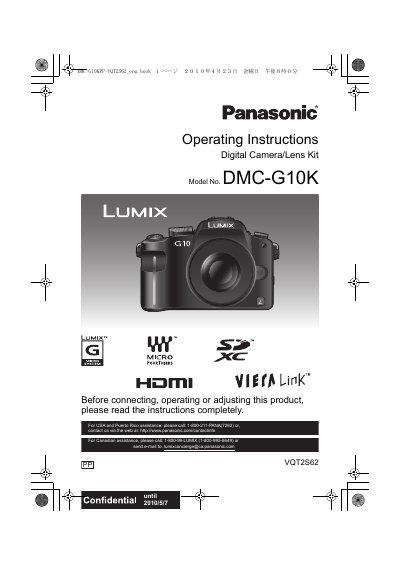
This document provides comprehensive operating instructions for the Panasonic DMC-G10K Digital Camera/Lens Kit. It covers essential safety information, product identification, and the use of standard accessories such as the battery pack and charger. The guide details how to attach and detach the lens, insert memory cards, and configure basic settings like date and time.
| Product Type | Digital Camera/Lens Kit |
|---|---|
| Model Number | DMC-G10K |
| Power Supply Range | AC between 110 V and 240 V |
The serial number is on the tag located on the underside of your Camera.
Turn the camera off and leave it for about 2 hours until the temperature matches the ambient temperature.
In the U.S.A. and Canada, the battery charger must be connected to a 120 V AC power supply only.