
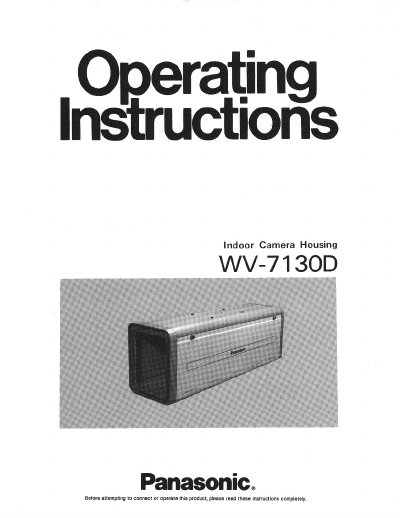
This document provides installation and operation instructions for the Panasonic WV-7130D Indoor Camera Housing. It details the recommended combinations of Panasonic cameras and lenses compatible with this housing unit. The guide covers installation precautions, wiring procedures, and steps for mounting the housing upside down if necessary.
| Products Housed | CCTV camera with various lenses |
|---|---|
| Mounting | From top |
| Ambient Operating Humidity | Less than 90% |
| Dimensions | Approx. 6-5/16"(W) x 7-1/46"(H) x 20-1 1/167(D) |
| Weight | Approx. 7.5 Ibs, 3.4 kg |
The housing is compatible with a list of Panasonic cameras including the WV-1410, WV-1414, WV-1460, WV-1464, WV-1500, WV-1504, WV-1550, WV-1554, WV-CD20/24, WV-CD132, WV-BD400, WV-BD404, WV-BL200, WV-BL204, WV-CL300, WV-CL304, WV-BL600, WV-BL604, WV-CL700, and WV-CL704.
Clean the unit with a dry cloth. If dust is difficult to remove, soak the cloth with a mild detergent solution and wipe gently.