
This document is the operating instructions for the Panasonic digital camera DMC-FZ2PP. The document provides safety tips and copyright information, and describes the features and characteristics of the product.
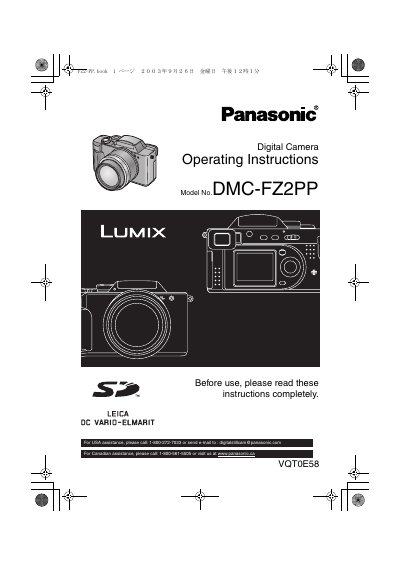
This document provides comprehensive operating instructions for the Panasonic DMC-FZ2 digital camera. It details the standard accessories included with the unit, such as the battery pack, charger, and memory card. The guide explains how to attach components like the lens hood and strap, and covers basic operations including turning power on/off, adjusting the viewfinder diopter, and inserting the SD memory card.
| LCD Monitor Pixels | approximately 114,000 pixels |
|---|---|
| Effective Pixels | more than 99.99% |
You can adjust the diopter of the viewfinder to match your eyesight before taking pictures.
The LCD monitor screen features a total of approximately 114,000 pixels.
The standard accessories include one SD Memory Card with a capacity of 8 MB.
For USA assistance, you can call 1-800-272-7033.