
This document is the basic operating instructions for Panasonic DMC-FZ35 digital camera
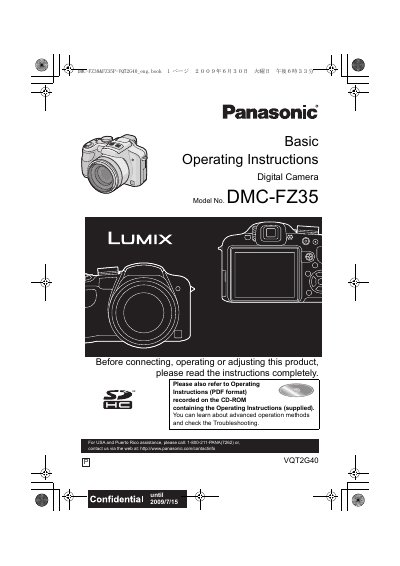
This document provides the basic operating instructions for the Panasonic DMC-FZ35 digital camera. It includes safety warnings, information on accessories, and guidance on preparing the camera for use, such as charging the battery and setting the date and time. The manual explains how to insert and remove memory cards and how to configure the menu settings.
| Supported Memory Cards | SD Memory Card (8 MB to 2 GB), SDHC Memory Card (4 GB to 32 GB) |
|---|---|
| Battery Type | Lithium ion battery pack |
| Battery Charger Voltage | AC between 110 V and 240 V |
The camera supports SD Memory Cards (8 MB to 2 GB) and SDHC Memory Cards (4 GB to 32 GB).
If condensation occurs, turn the camera off and leave it for about 2 hours until the temperature of the camera becomes close to the ambient temperature.
In the U.S.A. and Canada, the battery charger must be connected to a 120 V AC power supply only.