
This document is an operating instructions for advanced features of digital camera model DMC-FX75. It provides information on product preparation, basic shooting, various shooting modes, and playback functions.
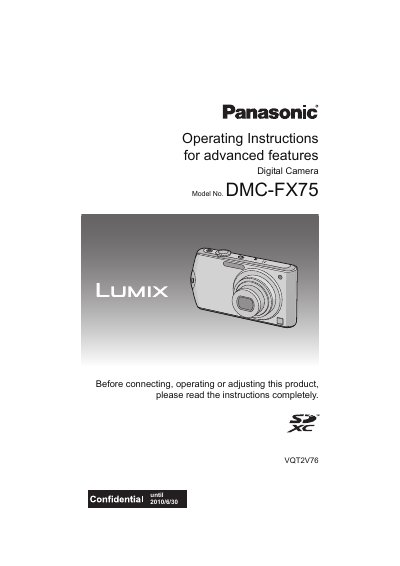
This manual provides operating instructions for the Panasonic DMC-FX75 digital camera. It covers essential topics such as charging the battery, inserting the memory card, and using the touch panel for navigation and settings. The guide details how to take still pictures and motion pictures using various modes, including Intelligent Auto, Normal Picture, and specific Scene Modes like Portrait, Sports, and Night Scenery. It also explains features such as Face Recognition, Touch AF/AE, and cosmetic modes for skin texture adjustment.
| Built-in Memory Capacity | Approx. 40 MB |
|---|---|
| Supported Memory Cards | SD Memory Card, SDHC Memory Card, SDXC Memory Card |
| Output Interfaces | HDMI, AV OUT/DIGITAL |
No, the battery is not charged when the camera is shipped and must be charged before use.
Yes, but you must follow the instructions that accompany the sheet as some may impair visibility or operability.
You can take pictures by touching the icons displayed on the LCD monitor or by moving while touching the touch panel (dragging).