
This document is an operating instruction for the Panasonic digital camera model DMC-FZ18. The document provides important information before connecting, operating, or adjusting the product, including safety precautions and contact information. Please read this document carefully to ensure proper use of the camera.
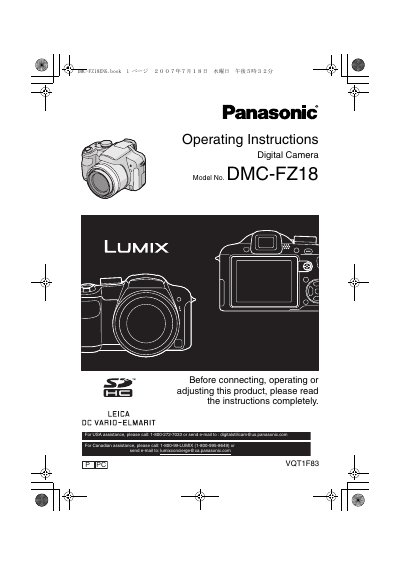
This manual provides operating instructions for the Panasonic DMC-FZ18 digital camera. It includes safety information, descriptions of standard accessories, and names of components. The guide details how to attach the lens cap and strap, charge the battery, and insert memory cards.
| Memory Card Compatibility | SD Memory Card, SDHC Memory Card, MultiMediaCard |
|---|---|
| SDHC Capacity | 4 GB |
| MultiMediaCard Usage | still pictures only |
You can use an SD Memory Card, an SDHC Memory Card, and a MultiMediaCard.
No, a 4 GB Memory Card without an SDHC logo will not work in this product.
Turn the camera off and leave it for about 2 hours until the temperature becomes close to the ambient temperature.