
This document is the operating instructions for Panasonic DMC-FX9PP digital camera, which introduces the main functions and operating methods of the camera.
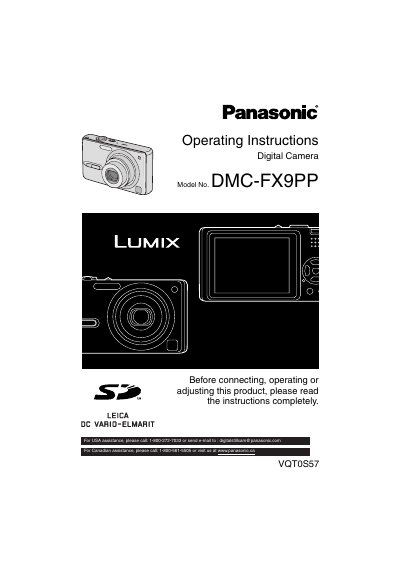
This manual provides comprehensive operating instructions for the Panasonic DMC-FX9PP digital camera. It includes essential information on safety precautions, care instructions for the LCD monitor and lens, and detailed steps for inserting batteries and memory cards.
The guide covers basic and advanced recording functions, including various scene modes (Portrait, Sports, Food, etc.), exposure compensation, and image stabilization. It also details playback features such as slide shows, rotating images, adding audio to photos, and connecting the camera to a PC or printer.
| Product Type | Digital Camera |
|---|---|
| Model Number | DMC-FX9PP |
Turn the camera off and leave it for about 2 hours until it becomes close to the ambient temperature.
The recommended temperature for storing the battery is 15°C to 25°C (59°F to 77°F).
You should leave the camera off for about 2 hours until the fog disappears.
For USA assistance, please call 1-800-272-7033.