
This is the user manual for the Panasonic DMC-FX78 digital camera, which includes instructions on how to use the product, precautions, etc.
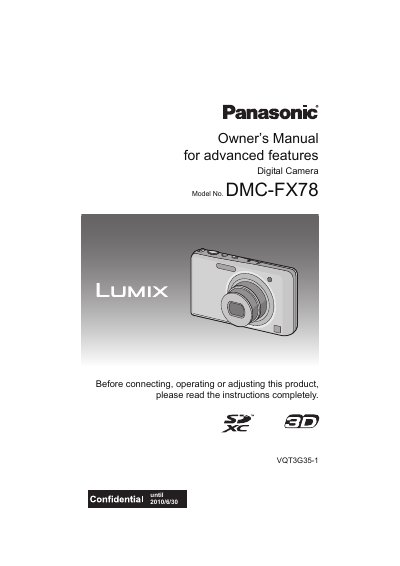
The Panasonic DMC-FX78 is a digital camera featuring an advanced touch panel interface. This guide explains how to use the touch screen for focusing, zooming, and navigating menus, as well as operating physical buttons like the shutter and zoom lever.
The document details various shooting modes including Intelligent Auto, Scene Modes (Portrait, Sports, Night Scenery), and specialized features such as 3D Photo Mode, Face Recognition, and Cosmetic Make-up. It also covers playback functions, image editing tools like Beauty Retouch and Video Divide, and connecting the camera to a PC or TV.
| Product Type | Digital Camera |
|---|---|
| Model Number | DMC-FX78 |
No, this camera is not dust/drip/water proof and should be avoided in places with a lot of dust, water, or sand.
Yes, a supplied stylus pen is recommended for detailed operation or if it is hard to operate with your fingers.