
Panasonic DMC-FX8PP Digital Camera Operating Instructions

This is an operating manual that introduces the use of Panasonic Digital Camera DMC-FX8PP
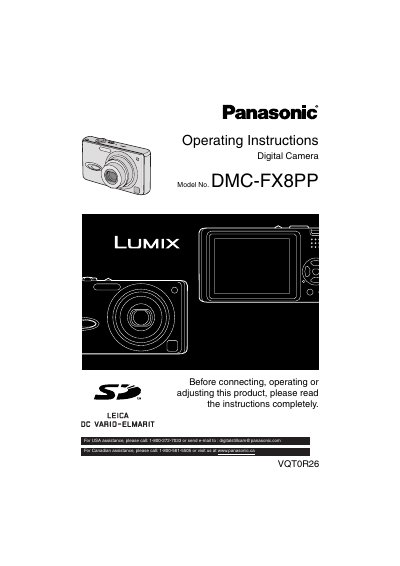

Panasonic DMC-FX8PP Digital Camera Operating Instructions - cover page
Brand
Panasonic
Category
Digital cameras
Document type
User Manual
Language
English
Pages
116
File format
PDF
File size
5 MB
Published
09 August, 2012
Updated
30 September, 2023
MD5 checksum
529356E54040341D3B6744AAF8775F24

About this manual

This document serves as the official operating instructions for the Panasonic DMC-FX8PP digital camera. It provides comprehensive guidance for users before connecting, operating, or adjusting the product, including safety warnings and care instructions for the camera body, lens, and LCD monitor. The manual details the standard accessories included with the device and explains how to insert and remove the battery and memory card.

What's inside

  • Before Use
  • Preparation
  • Charging the Battery
  • Taking Pictures
  • Playback
  • Recording Menu Settings
  • Playback Menu Settings
  • Connecting to a PC
  • Troubleshooting
  • Specifications

Specifications

Standard Memory Card16 MB SD Memory Card

Frequently asked questions

What should I do if condensation forms on the lens?

Turn the camera off and leave it for about 2 hours until it becomes close to the ambient temperature.

How often should I charge the battery if storing it for a long time?

It is recommended to charge the battery once every year and store it again after completely using up the charged capacity.

Download PDF (5 MB)

More Panasonic Manuals


View all Panasonic manuals →