
Panasonic DMC-FX75 Digital Camera Operating Instructions

This document is a basic operating instruction for the digital camera model DMC-FX75. It provides steps for connecting, operating, and adjusting the product, and recommends reading the complete operating instructions for advanced operation methods and troubleshooting.
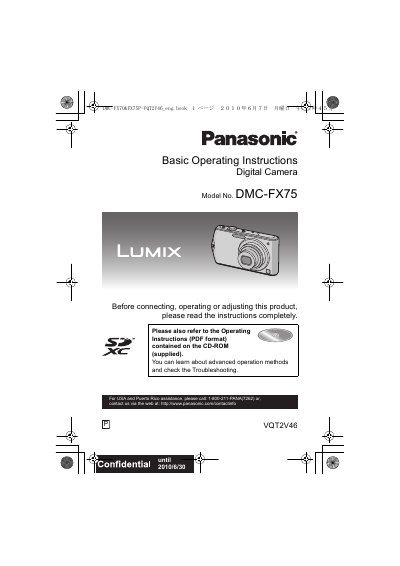

Panasonic DMC-FX75 Digital Camera Operating Instructions - cover page
Brand
Panasonic
Category
Digital cameras
Document type
User Manual
Language
English
Pages
195
File format
PDF
File size
5.5 MB
Published
09 August, 2012
Updated
29 September, 2023
MD5 checksum
2E6BB256661D7689A43FE5044B732EA8

About this manual

This manual provides operating instructions for the Panasonic DMC-FX75 digital camera. It covers essential topics including charging the battery, inserting memory cards, setting up date and time, and navigating the menu system. The guide details how to use various shooting functions such as Intelligent Auto Mode, Touch AF/AE, Scene Modes (Portrait, Night, Food, etc.), and Motion Picture recording.

What's inside

  • Before Use
  • Taking Pictures Using the Automatic Function
  • Taking Pictures with Your Favorite Settings
  • Playing Back Pictures
  • Advanced (Recording pictures)
  • Using the [REC] Mode Menu
  • Connecting to other equipment
  • Printing the Pictures

Frequently asked questions

How long can I record motion pictures on a 16GB card using the AVCHD Lite format?

You can record for up to 2 hours and 3 minutes.

What is the maximum continuous recording time for motion pictures in AVCHD Lite mode?

The maximum time to record motion pictures continuously with [AVCHD Lite] is 13 hours 3 minutes 20 seconds.

Can I use the Extended Optical Zoom when the camera is in Scene Mode?

No, the Extended Optical Zoom does not work when [MACRO ZOOM] is set or in specific Scene Modes like [TRANSFORM], [HIGH SENS], and others.

Download PDF (5.5 MB)

More Panasonic Manuals


View all Panasonic manuals →