
Panasonic DMC-FX700 Digital Camera Operating Instructions

This document is the operating instructions for the Canon digital camera DMC-FX700. It introduces the camera's various functions and usage methods.
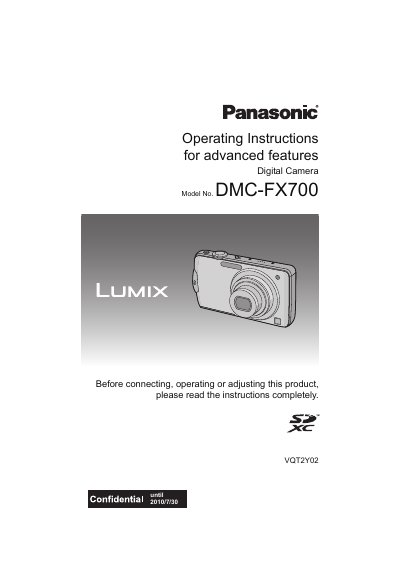

Panasonic DMC-FX700 Digital Camera Operating Instructions - cover page
Brand
Panasonic
Category
Digital cameras
Document type
User Manual
Language
English
Pages
208
File format
PDF
File size
6.9 MB
Published
09 August, 2012
Updated
30 September, 2023
MD5 checksum
FF0188EED62A6A37A125EAD249D0DD79

About this manual

This document provides operating instructions for the Panasonic DMC-FX700 digital camera. It details how to use the touch panel, charge the battery, insert memory cards, and set up the date and time. The guide explains various recording functions including Intelligent Auto Mode, Program AE, and Scene Modes such as Portrait, Night Scenery, and Fireworks.

What's inside

  • Before Use
  • Standard Accessories
  • Names of the Components
  • How to Use the Touch Panel
  • Preparation
  • Basic Shooting Functions
  • Advanced Recording Features
  • Playback Functions
  • Connecting to a PC
  • Troubleshooting

Specifications

Built-in Memory CapacityApprox. 40 MB
File Format (Motion Picture)MOTION JPEG

Frequently asked questions

What type of memory cards does this camera support?

The camera supports SD Memory Cards, SDHC Memory Cards, and SDXC Memory Cards.

How long can I record motion pictures on a 16 GB card?

You can record up to 8 hours and 2 minutes of motion pictures on a 16 GB card.

What is the maximum continuous recording time for AVCHD motion pictures?

The maximum time to record motion pictures continuously with [AVCHD] is 13 hours 3 minutes 20 seconds.

Download PDF (6.9 MB)

More Panasonic Manuals


View all Panasonic manuals →