
Panasonic DMC-FX55 Digital Camera Operating Instructions

This is an operating instructions for Panasonic DMC-FX55 digital camera
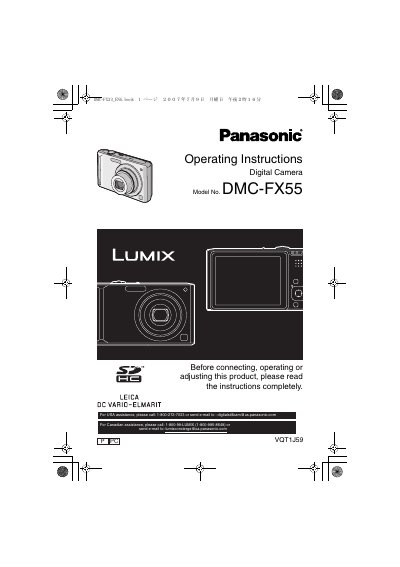

Panasonic DMC-FX55 Digital Camera Operating Instructions - cover page
Brand
Panasonic
Category
Digital cameras
Document type
User Manual
Language
English
Pages
128
File format
PDF
File size
5.9 MB
Published
09 August, 2012
Updated
30 September, 2023
MD5 checksum
CDBA61B41CC571F49369D9095FA1D621

About this manual

This document provides operating instructions for the Panasonic DMC-FX55 digital camera. It details safety precautions, preparation steps including battery charging and memory card insertion, and explains how to use various controls such as the Made Dial and menu settings.

The guide covers taking pictures in Intelligent Auto Mode and specific scene modes like Portrait, Sports, and Night Scenery. It also includes instructions for playing back images on the LCD monitor or a TV, connecting to a PC, and troubleshooting common issues.

What's inside

  • Before Use
  • Preparation
  • Taking Pictures
  • Advanced (Recording pictures)
  • Advanced (Playback)
  • Connecting to other equipment
  • Troubleshooting

Frequently asked questions

What is the maximum capacity of an SDHC Memory Card supported by this camera?

The camera supports SDHC Memory Cards with a capacity of 4 GB.

How long should a camera be left off to allow condensation to disappear?

You should leave the camera off for about 2 hours until the temperature matches the ambient temperature.

What voltage range does the battery charger operate on?

The battery charger operates on AC between 110 V and 240 V.

Download PDF (5.9 MB)

More Panasonic Manuals


View all Panasonic manuals →