
Panasonic DMC-FX500 Digital Camera Operating Instructions

This is an operating manual for a digital camera produced by Panasonic
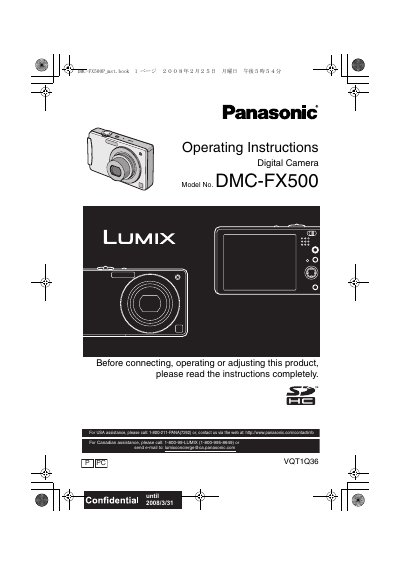

Panasonic DMC-FX500 Digital Camera Operating Instructions - cover page
Brand
Panasonic
Category
Digital cameras
Document type
User Manual
Language
English
Pages
140
File format
PDF
File size
6.2 MB
Published
09 August, 2012
Updated
30 September, 2023
MD5 checksum
9ACC7FFC27B9A477ECF9D3E3EA3FD45C

About this manual

This document provides operating instructions for the Panasonic DMC-FX500 digital camera. It includes safety warnings, information on accessories, and preparation steps such as charging the battery and inserting the memory card. The manual explains how to use the touch panel and set the date and time.

What's inside

  • Before Use
  • Quick Guide
  • Standard Accessories
  • Names of the Components
  • How to Use the Touch Panel
  • Preparation
  • Basic
  • Advanced (Recording pictures)
  • Playing back Pictures
  • Useful Functions

Frequently asked questions

What is the maximum number of pictures that can be deleted at once?

You can delete up to 50 pictures in a single operation.

How long should the camera sit off before condensation clears?

Leave the camera turned off for about 2 hours until the fog disappears.

What voltage range does the battery charger operate on?

The battery charger operates on AC between 110 V and 240 V.

Download PDF (6.2 MB)

More Panasonic Manuals


View all Panasonic manuals →