
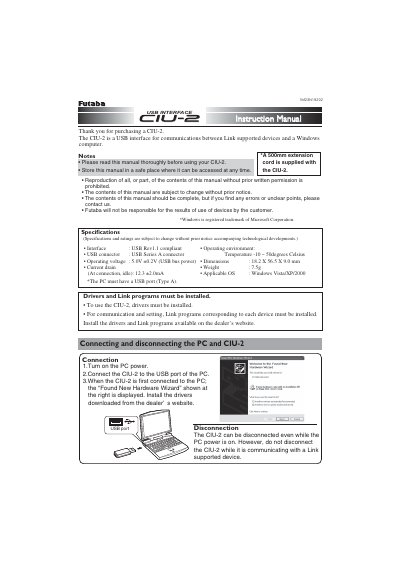
The Futaba CIU-2 is a USB interface designed for communications between Link-supported devices and a Windows computer. It operates using USB bus power and requires the installation of specific drivers and Link programs to function correctly.
| Interface | USB Rev1.1 compliant |
|---|---|
| USB connector | USB Series A connector |
| Operating voltage | 5.0V +0.2V |
| Dimensions | 118.2 x 56.5 x 9.0mm |
| Weight | 175g |
| Applicable OS | Windows Vista/XP/2000 |
The CIU-2 is a USB interface for communications between Link supported devices and a Windows computer.
The CIU-2 uses USB bus power, operating at 5.0V +0.2V.
Yes, but you must not disconnect it while it is communicating with a Link supported device.