
This document is the user manual for the battery checker model BR-3000, which describes the features and functions of the product, as well as provides instructions for use and important precautions.
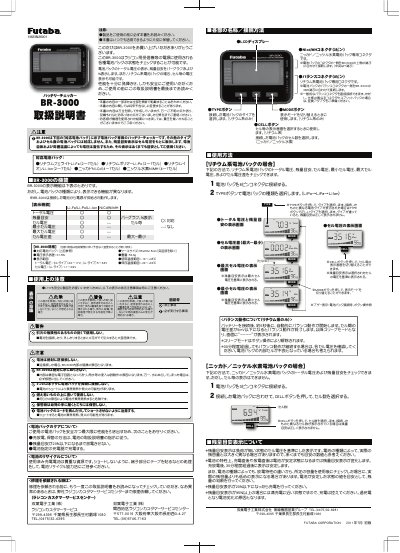
The Futaba BR-3000 is a device designed to check the state of various battery packs used as power sources for R/C receivers. It displays total voltage, remaining capacity based on specific criteria, and individual cell voltages depending on the connected battery type.
For lithium battery packs (LiFe, LiPo, Li-Ion), the unit can display total voltage, remaining capacity, minimum/maximum cell voltage, and cell voltage difference. For nickel cadmium or nickel metal hydride packs, it displays total voltage and remaining capacity but cannot show individual cell data.
| Applicable Lithium Battery Cells | 2~7 cells |
|---|---|
| Applicable Ni-Cd/Ni-MH Cells | 4~7 cells |
| Voltage Display Error | ±1.5% |
| Total Voltage Range (Ni type) | 4.0~17V |
| Total Voltage Range (Li type) | 5~34V |
| Cell Voltage Range (Li type) | 1.1~4.9V |
| Case Size | 85x63x15mm |
| Weight | 52.6g |
| Operating Temperature | -10~+45˚C |
No. It can display individual cell voltages only for lithium packs; it cannot display each cell for nickel cadmium or nickel metal hydride packs.
You should recharge when the remaining capacity (criteria) display reaches 20% or less.