
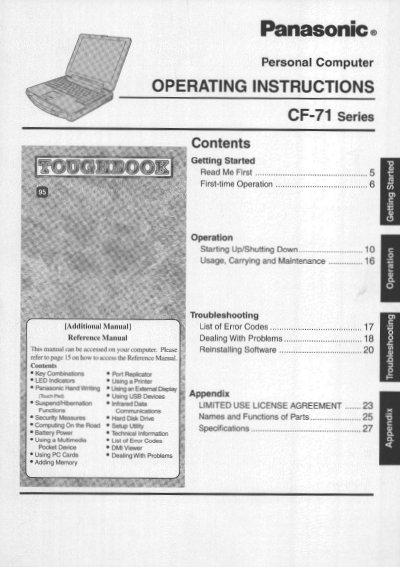
This document provides operating instructions for the Panasonic CF-71 Series personal computer. It includes guidance on getting started with first-time operation, as well as detailed sections on usage, carrying, and maintenance procedures to ensure proper handling of the device.
The manual also addresses safety precautions regarding the lithium battery included in the system, outlining specific warnings about heat, shock, and disposal. Additionally, it covers troubleshooting steps for common issues and provides information on reinstalling software.
The computer should be operated within a temperature range of 5 °C to 35 °C (41 °F to 95 °F).
The computer can be stored in a temperature range of -20 °C to 60°C (-4 °F to 140 °F).
No, do not use the battery pack with a computer other than the one for which it was designed.