
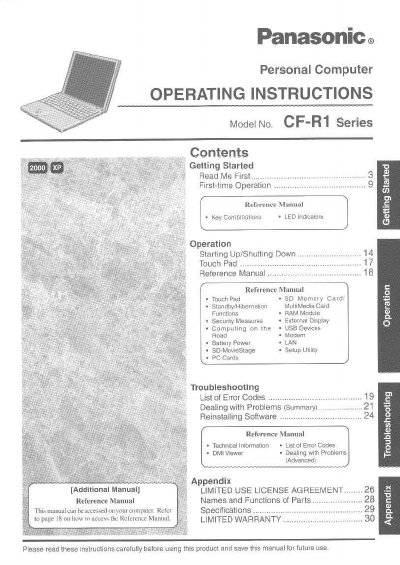
This document provides operating instructions for the Panasonic CF-R1 Series personal computer. It covers initial setup, first-time operation, key combinations, LED indications, and basic usage procedures including starting up and shutting down the system.
The manual details specific functions such as using the touch pad, managing memory cards (PCMCIA, MultiMedia Card), utilizing RAM modules, security measures, external display options, USB device connectivity, battery power management, LAN configuration, SD-MovieStage software, FC Cards, and setup utility usage. It also includes a troubleshooting section with error codes and advanced problem-solving steps.
The manual provides information for Microsoft Windows 2000 Professional users and Microsoft Windows XP Professional users.
The specific model number listed in the customer record section is CF-R1P82ZVQM.