
Panasonic CFP1S3BZZ3M Manual


Panasonic CFP1S3BZZ3M Manual - cover page
Brand
Panasonic
Category
Other Computer Accessories
Document type
User Manual
Language
English
Pages
40
File format
PDF
File size
1.1 MB
Published
08 August, 2012
Updated
20 August, 2012
MD5 checksum
B669EAF35C1B27585EEE708D0E0C9377

About this manual

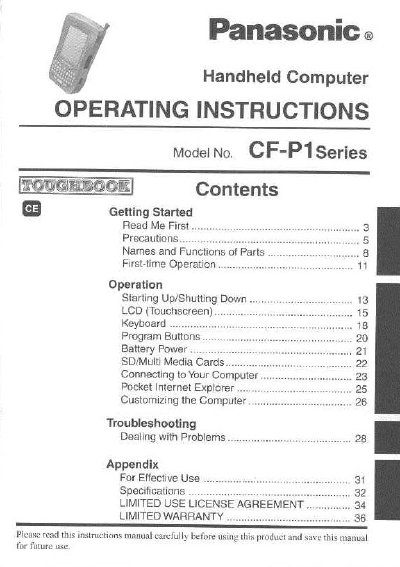
This manual provides operating instructions for the Panasonic CF-P1Series handheld computer. It includes guidance on getting started, using the touchscreen and keyboard, managing battery power, and connecting to a computer. The device features a magnesium alloy exterior and is designed for use in harsh conditions, tested against MIL-STD-810E standards.

What's inside

  • Getting Started
  • Precautions
  • Names and Functions of Parts
  • Starting Up/Shutting Down
  • LCD (Touchscreen)
  • Keyboard
  • Battery Power
  • Connecting to Your Computer
  • Troubleshooting
  • Specifications

Specifications

Operating Temperature-20°C to 50°C
Storage Temperature-25°C to 60°C
Storage Humidity30% to 90% RH
Battery TypeLithium ion

Frequently asked questions

Where is the model number located?

The 12 digit model number is located on the bottom of the computer.

What should be done if the battery emits an abnormal odor?

Remove the battery from the computer and stop using it immediately.

Can the computer be checked in with luggage?

No, you should always carry the computer with you when traveling and never check it in with luggage.

Download PDF (1.1 MB)

More Panasonic Manuals


View all Panasonic manuals →