
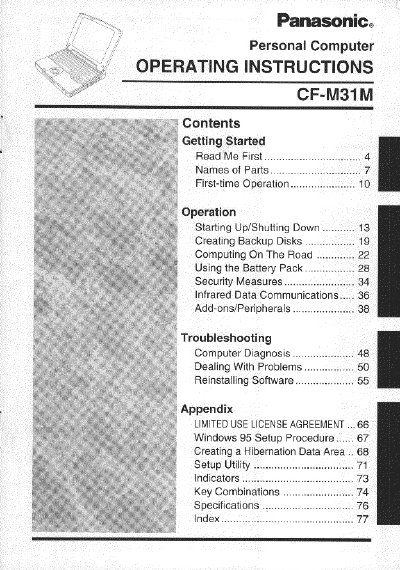
Panasonic CF-M31M Personal Computer Operating Instructions


Panasonic CF-M31M Personal Computer Operating Instructions - cover page
Brand
Panasonic
Category
Laptops
Document type
User Manual
Language
English
Pages
80
File format
PDF
File size
1.8 MB
Published
08 August, 2012
Updated
20 August, 2012
MD5 checksum
1848DBB99FC006E83601EE84A7DEAAC3

About this manual

This manual provides operating instructions for the Panasonic CF-M31M personal computer. It includes information on first-time operation, starting up and shutting down the system, and using the battery pack. The document also covers security measures, infrared data communications, and the use of add-ons and peripherals.

What's inside

  • Read Me First
  • Names of Parts
  • First-time Operation
  • Operation
  • Using the Battery Pack
  • Security Measures
  • Infrared Data Communications
  • Add-ons/Peripherals
  • Troubleshooting
  • Specifications

Frequently asked questions

What is the operating temperature range for using this computer?

The computer should be operated between 5 °C and 35°C.

Is it safe to store the computer in a car trunk?

No, you should not place the computer inside a car trunk because of shock risks.

What is the maximum recommended length for an interface cable?

The manual does not recommend using an interface cable longer than 3 m (9.84 feet).

Download PDF (1.8 MB)

More Panasonic Manuals


View all Panasonic manuals →