
This is an abstract of the Panasonic CF-P1 Series handheld computer operating manual
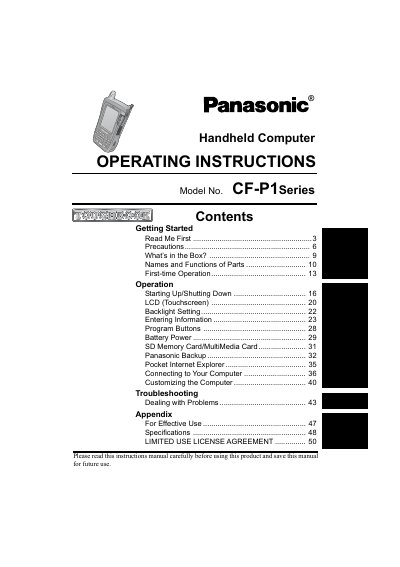
This document provides operating instructions for the Panasonic CF-P1 series of handheld computers. It details the contents of the package, names and functions of parts, and procedures for first-time operation including starting up and shutting down the device.
The manual covers various operational aspects such as using the LCD touchscreen, setting the backlight, entering information via program buttons, managing battery power, and handling SD Memory Cards or MultiMedia Cards. It also includes instructions on connecting to a computer, customizing settings, and troubleshooting common problems.
| Operating Temperature | -20°C to 50°C |
|---|---|
| Storage Temperature | -25 °C to 60°C |
The model number consists of a 12-digit number located on the back of the computer.
The computer can operate at temperatures between -20°C and 50°C.
Use of an interface cable longer than 3 m (9.84 feet) is not recommended.
The replacement fuse must have a rating of 3 amps.