
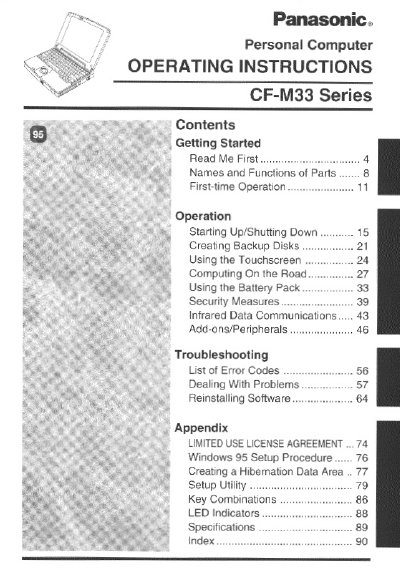
This manual provides operating instructions for the Panasonic CF-M33 Series Personal Computer. It covers essential topics including getting started with the device, understanding the names and functions of parts, first-time operation procedures, and daily usage tips such as using the touchscreen and battery pack.
The document also details security measures, infrared data communications, and the use of add-ons and peripherals. A significant portion is dedicated to troubleshooting, listing error codes and providing solutions for dealing with problems, reinstalling software, and performing maintenance tasks like cleaning and saving data.
The computer should be operated within a temperature range of 5 °C to 35°C (41 °F to 95 °F).
The computer can be stored in a temperature range of -20 °C to 60 °C (-4 °F to 140 °F).
This computer uses the Microsoft Windows 95 Operating System.