
Panasonic CFM34JA2BEM Manual


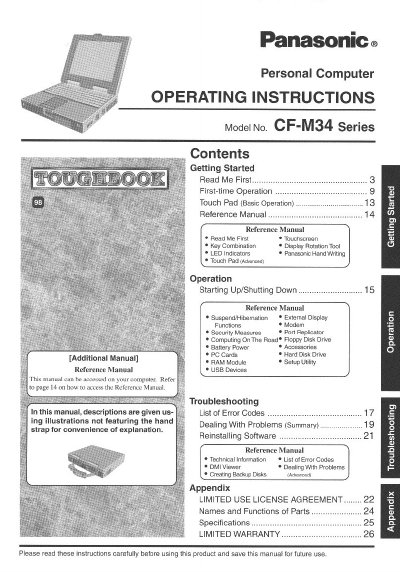
Panasonic CFM34JA2BEM Manual - cover page
Brand
Panasonic
Category
Laptops
Document type
User Manual
Language
English
Pages
28
File format
PDF
File size
1.6 MB
Published
08 August, 2012
Updated
20 August, 2012
MD5 checksum
54815C28A7A70AE3888E01629B217EBF

About this manual

This document provides operating instructions for the Panasonic Personal Computer, Model No. CF-M34 Series. It serves as a guide for first-time operation and general usage of the device.

The manual covers essential functions such as starting up and shutting down the computer, using the touch pad, managing battery power, and utilizing external devices like PC Cards and USB devices. It also includes sections on security measures, troubleshooting error codes, and reinstalling software.

What's inside

  • Getting Started
  • First-time Operation
  • Touch Pad (Basic Operation)
  • Starting Up/Shutting Down
  • Security Measures
  • Battery Power
  • Troubleshooting
  • Reinstalling Software

Frequently asked questions

What is the model number of this Panasonic computer?

The model number for this computer is CF-M34 Series.

What is the maximum total REN allowed on a telephone line?

The sum of RENs should not exceed five (5.0).

Download PDF (1.6 MB)

More Panasonic Manuals


View all Panasonic manuals →