
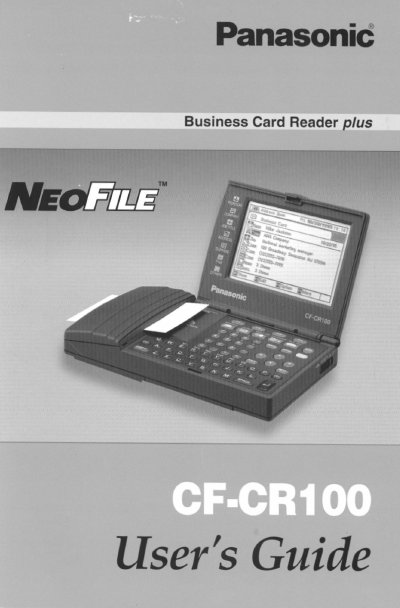
The Panasonic CF-CR100 NEOFILE is a business card reader designed to scan and store contact information. This User's Guide explains how to get started with the device, including unpacking and initial setup procedures.
The manual details various functions available on the NEOFILE, such as scanning cards, managing bookshelf entries, using calendar features, accessing world time, performing calculations, utilizing a tool box, and other handy utilities. It also includes important warnings, precautions for handling and maintenance, and troubleshooting tips.
To clean the panel surface, only use isopropyl alcohol on a soft cloth and wipe gently. Avoid using dry cloths, water, or perfumes.
Do not store or use the unit in locations exposed to heat, direct sunlight, extreme cold, high humidity, dust, or magnetic fields.
Insert batteries with correct polarity alignment. Do not recharge, short-circuit, disassemble, apply heat to, or dispose of the lithium battery by fire.