
Panasonic CF-W2DWB02KM Personal Computer Operating Instructions

This manual is the user manual for Panasonic CF-W2 series notebook computers. It introduces the features and basic operations of the products.
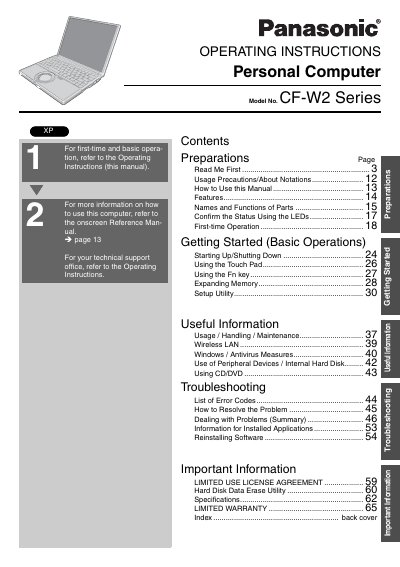

Panasonic CF-W2DWB02KM Personal Computer Operating Instructions - cover page
Brand
Panasonic
Category
Laptops
Document type
User Manual
Language
English
Pages
68
File format
PDF
File size
3.5 MB
Published
08 August, 2012
Updated
30 September, 2023
MD5 checksum
D55FB728913486B0119F1E0B8F8F94B6

About this manual

This manual provides operating instructions for the Panasonic CF-W2 Series personal computer, specifically model CF-W2DWB02KM. It covers essential topics including usage precautions, how to use the device, first-time operation, and basic operations such as starting up, shutting down, and using the touch pad and Fin key. The document also details how to expand memory, access the Setup Utility, and manage peripheral devices like CD/DVD drives and internal hard disks.

What's inside

  • Usage Precautions
  • Names and Functions of Parts
  • Confirm the Status Using the LEDs
  • First-time Operation
  • Starting Up/Shutting Down
  • Using the Touch Pad
  • Using the Fin key
  • Expanding Memory
  • Setup Utility
  • Troubleshooting

Frequently asked questions

What spacing is required between the antenna and a person's body during wireless operation?

A minimum spacing of 1.5 cm must be provided between the antenna and all parts of a person's body during wireless modes of operation.

What is the maximum total REN allowed on a telephone line?

In most areas, the sum of RENs connected to a telephone line should not exceed five (5.0).

What telephone number should be used to contact Panasonic for service or warranty information?

Users should call 1-800-527-8675 for repair or warranty information.

Download PDF (3.5 MB)

More Panasonic Manuals


View all Panasonic manuals →