
This document is an operating instruction for the Panasonic CF-W4 Series XP personal computer. It includes preparations, basic operations, troubleshooting, useful information, and important information.
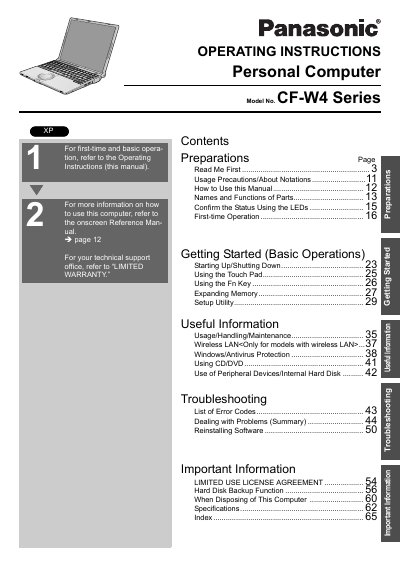
This document provides operating instructions for the Panasonic CF-W4 Series Personal Computer. It includes information on names and functions of parts, first-time operation, and basic usage procedures such as starting up, shutting down, and using the touch pad and F8 key.
The manual also covers expanding memory, setup utility, wireless LAN usage (for applicable models), and peripheral device usage. It provides guidance on Windows and antivirus protection, CD/DVD usage, and hard disk backup functions. Additionally, it includes troubleshooting sections with a list of error codes and steps for dealing with problems, as well as information on disposing of the computer.
The model number consists of a 12-digit number located on the bottom of the computer.
A minimum of 1.5 cm spacing must be provided between the antenna and all parts of a person's body during wireless operation.
In most areas, the sum of RENs connected to a telephone line should not exceed five (5.0).