
This manual introduces the use of Panasonic KX-HGC200 11Mbps Wireless LAN PC Card.
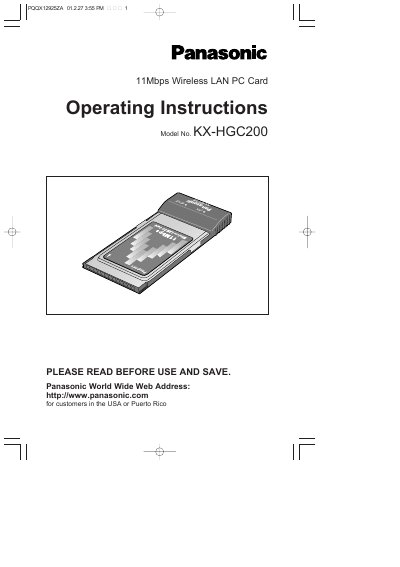
This manual provides operating instructions for the Panasonic KX-HGC200, an 11 Mbps Wireless LAN PC Card designed to create wireless networks without wiring. It supports up to 10 wireless users (or 9 with a Broadband Networking Gateway) using the Whitecap protocol for high data-transmission quality and error correction.
The document details system requirements including Windows 95/98/Me and Pentium 133 MHz or faster CPUs. It guides users through installing the card in computers or Broadband Networking Gateways, configuring network settings via the Network Manager software, setting up IP addresses, sharing files and printers, and performing firmware updates.
| Data Speed | 11Mbps |
|---|---|
| Wireless Users Capacity | up to 10 wireless users |
| Operating System | Windows 95/98/Me |
| Interface Type | PCMCIA Type II PC card slot |
| Minimum RAM | 32MB or more |
| CPU Requirement | Pentium 133 MHz or faster |
The KX-HGC200 accommodates up to 10 wireless users, or up to 9 when used with a Broadband Networking Gateway.
The KX-HGC200 accommodates up to 10 wireless users, or up to 9 when used with the Broadband Networking Gateway.
For best performance, it is recommended that the KX-HGC200s be located no closer than about 1.6 ft.
The system requires Microsoft Windows 95 (OSR2.0 or later), Windows 98, or Windows Me.