
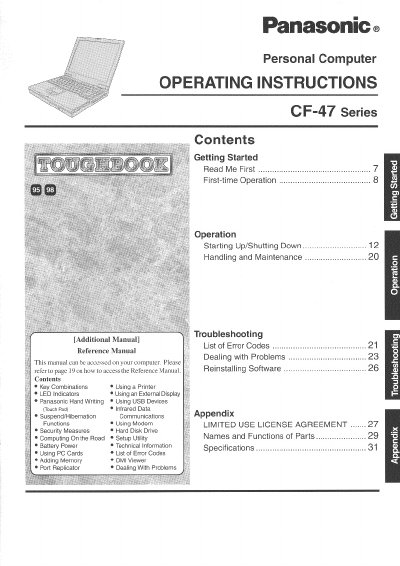
This document provides operating instructions for the Panasonic CF-47 Series personal computer. It covers essential procedures such as getting started with first-time operation, starting up and shutting down the system, handling and maintenance tasks, and using various features like hand writing and external displays.
The manual also includes a troubleshooting section with a list of error codes and guidance on dealing with problems. Additional topics include security measures, hard disk drive usage, computing on the road, setup utility, PC card usage, adding memory, DMI viewer, part names and functions, technical information, specifications, and reinstalling software.
To identify the specific unit, insert the one-digit number located on the bottom of the computer into the Model No. field.
In most areas, the sum of RENs should not exceed five to ensure devices ring in response to incoming calls.
The user is encouraged to try correcting the interference by turning the equipment off and on.