
This document is the operating instructions for the Panasonic CF-Y2 series personal computer, which includes information on starting up and shutting down the computer, using the touch pad, installing RAM modules, and other useful information.
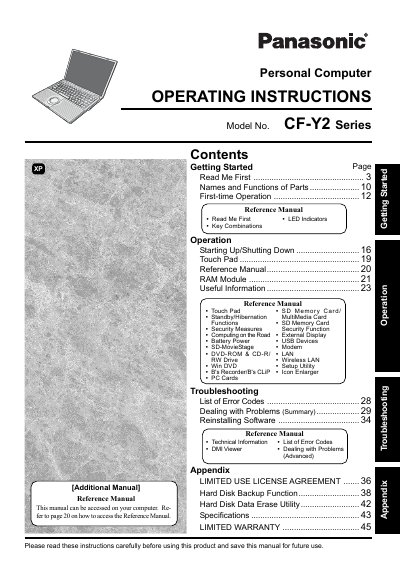
This manual provides operating instructions for the Panasonic CF-Y2 Series personal computer. It includes information on getting started, reading important notices such as the Federal Communications Commission Radio Frequency Interference Statement, and understanding key combinations and illustrations used throughout the guide.
The document covers various aspects of using the computer, including starting up and shutting down, using the touch pad, managing battery power, utilizing external displays, connecting USB devices and modems, configuring wireless LAN, and accessing the Setup Utility. It also provides troubleshooting lists with error codes and instructions for dealing with problems.
A minimum of 1.5 cm spacing must be provided between the antenna and all parts of a person's body during wireless modes of operation.
In most areas, the sum of RENs connected to a telephone line should not exceed five (5.0).
Users should contact Matsushita Electric Corporation of America at 1-800-LAPTOP-5 (1-800-527-8675) for repair or warranty information.