
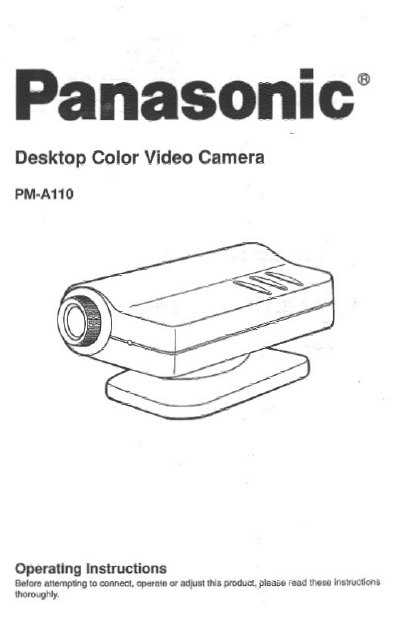
This document provides operating instructions for the Panasonic PM-A110 Desktop Color Video Camera. It includes information on filling out the registration form, avoiding specific operating and storage conditions such as extreme temperatures or moisture, and proper care instructions for cleaning the lens and chassis. The manual also details the location and function of controls and connections on the front and rear of the camera.
| Focal length | 4.4mm |
|---|---|
| F-stop | 2.8 |
| Focus | Fixed focus |
| Image device | 1/4 inch CCD |
| Pixels number | 270,000 |
| Power voltage | 6.3V DC |
| Power consumption (AC Adaptor) | 1.8 W approx. |
| Operating temperature | 0 — 40 °C |
| Weight | 0.26 Ibs |
The serial number is on the tag located on the underside of your Camera.
The operating temperature range is 0 — 40 °C (32 — 104 °F).
You should use a blower to clean the lens.