
This document is the operating instructions for the AJ-HRW10G hard disk storage unit. It mainly introduces the product's safety information, usage environment, and usage methods.
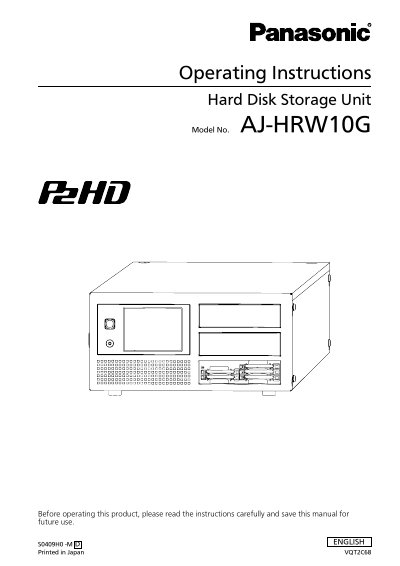
This manual provides operating instructions for the Panasonic AJ-HRW10G Hard Disk Storage Unit. The device is designed specifically for P2 cards, allowing high-speed copying of recorded data onto internal hard disk drives (HDDs). It features a touch panel interface for all operations except power control and supports RAID configurations to ensure data safety through mirroring.
This unit is a hard disk storage unit specifically designed for P2 cards that allows copying data at high speed from the P2 drive onto HDDs.
No, the device does not allow data to be written onto P2 cards, though it can copy data from them to hard disk drives.
The unit provides a Gigabit Ethernet LAN port that allows access to data on the HDDs over a network.