
This document is the operating instructions for Panasonic Network Cameras BL-C1A and BL-C20A. It describes the features of the products, including wireless communication, digital zoom, color night view mode, multi-camera support, and DynamicDNS service support.
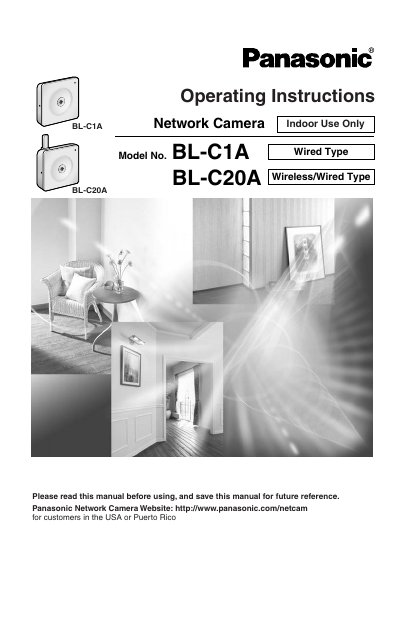
This manual provides operating instructions for the Panasonic BL-C1A (Wired Type) and BL-C20A (Wireless/Wired Type) Network Cameras. It covers installation, connecting to networks via Ethernet or Wireless LAN, and accessing camera settings through a web browser. The document details how to view single or multi-camera feeds, capture still images, and utilize features such as digital zoom, color night view mode, and motion detection.
| Digital Zoom | 10x digital zoom feature |
|---|---|
| Night View Mode | Color Night View Mode (4 lx) |
| Multi-Camera Support | Up to 4 cameras moving, 12 static |
| Wireless Standard (BL-C20A) | IEEE 802.11b/g |
The Top page, Single Camera and Multi-Camera page can be displayed in English, French, German, Italian, Spanish, Russian, Simplified Chinese, Korean or Japanese.
Yes, you can view still images on your cell phone, but the Motion Detection feature is not available when viewing on a cell phone.