
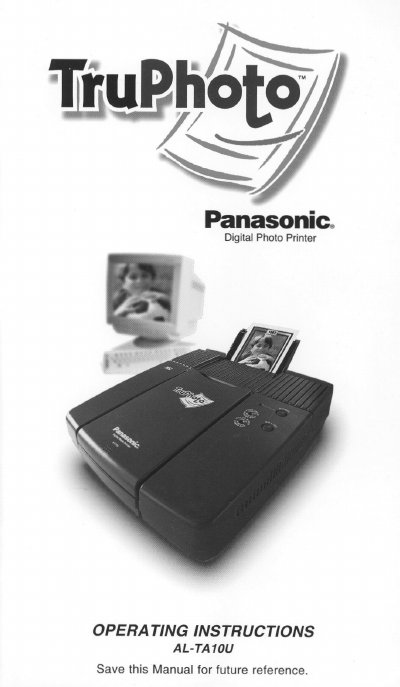
Panasonic AL-TA10U Digital Photo Printer Operating Instructions


Panasonic AL-TA10U Digital Photo Printer Operating Instructions - cover page
Brand
Panasonic
Category
Other Computer Accessories
Document type
User Manual
Language
English
Pages
39
File format
PDF
File size
1.1 MB
Published
07 August, 2012
Updated
31 August, 2012
MD5 checksum
8E0238B0D7A042F66B524A7421E124B7

About this manual

This manual provides operating instructions for the Panasonic TruPhoto Digital Photo Printer, model AL-TA10U. It includes information on system requirements, connecting the printer to IBM PC or Macintosh computers, and installing the necessary drivers. The guide covers the entire workflow from loading paper and preparing images to printing and shutting down the device.

What's inside

  • Communications Regulation Information
  • Safety Notes
  • Product Specifications
  • Getting Started
  • Getting Connected
  • Installing the Driver
  • Loading the Paper
  • Printing
  • Caring for Your Printer
  • Troubleshooting

Specifications

Power SupplyAC 120V AC 50/60 Hz
Power Cord Rating5A rating
Grounding RequirementGrounded electrical outlet

Frequently asked questions

Where is the model number located?

The printer model number is located on the rear panel of the printer.

What are the system requirements for IBM PC?

The manual includes specific system requirements for IBM PC and Macintosh computers.

How do I clean the thermal head?

The manual provides instructions on how to clean the thermal head in the maintenance section.

Download PDF (1.1 MB)

More Panasonic Manuals


View all Panasonic manuals →