
This manual is a user manual for Panasonic Network Camera BB-HCM403A (PoE Ready). It mainly introduces the main features and usage methods of the product, including dome-shaped camera for neat ceiling mounting, PoE (Power over Ethernet) power supply, high-definition image, etc.
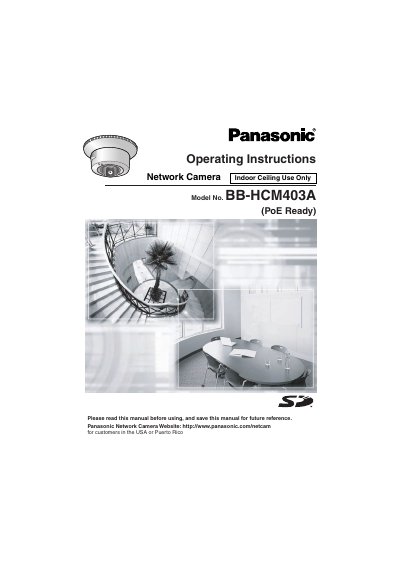
This document provides operating instructions for the Panasonic BB-HCM403A Network Camera, designed specifically for neat mounting on ceilings indoors. The device features a dome shape with integrated hardware to simplify installation without requiring separate stands.
The manual covers setup procedures including connecting the camera to IPv4 or IPv6 networks via PoE (Power over Ethernet) or an optional AC adapter. It details how to access the camera web interface, view single and multi-camera pages, use features like 10x digital zoom, two-way audio communication, motion detection, and SD memory card recording.
| Sensor Type | 320,000-pixel color CCD sensor |
|---|---|
| Zoom Feature | 10x digital zoom |
| Power Supply Standard | PoE (IEEE 802.3af) |
| Network Protocol Support | IPv4/IPv6 dual stack |
Yes, it is compliant with PoE standards and can receive power via an Ethernet cable from a PoE hub.
The camera supports Panasonic SD memory cards with capacities ranging from 64 MB to 2 GB.
It detects changes in movement within the camera's display range and can buffer images before and after the event on an SD card.