
This operating instructions manual provides information on how to use the Panasonic Network Camera and its features, including support for IPv6 network, two-way audio communication, and better image quality.
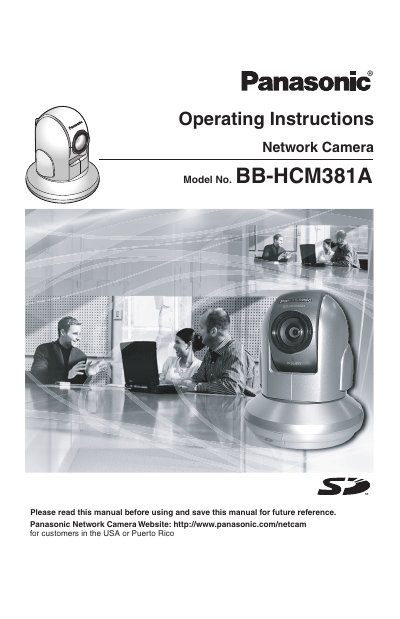
This manual provides operating instructions for the Panasonic BB-HCM381A Network Camera, a device designed for dual-stack IPv6 and IPv4 network connectivity. Key features include two-way audio communication (walkie-talkie type), remote control of pan, tilt, zoom, and focus via a web browser, and the ability to record images to an SD memory card. The camera supports up to 42x magnification and includes color night view mode for low-light monitoring.
| Network Protocol Support | IPv6 and IPv4 (Dual Stack) |
|---|---|
| Audio Communication | 2-way (Walkie-talkie Type) |
| Optical Zoom | 21x |
| Digital Zoom | 2x |
| Vertical Pan Range (Table Mount) | -120° to 0° |
| Vertical Pan Range (Ceiling Mount) | 0° to +90° |
| Image Refresh Rate | 30 frames per second |
| SD Memory Card Capacity Support | 1 GB, 512 MB, 256 MB, 128 MB or 64 MB |
| Recording Capacity (Alarm Buffer) | About 58,000 images |
| Recording Duration (Timer Buffer) | About 41 days |
Yes, the camera supports IPv6 and IPv4 in a dual-stack design.
Yes, 2-way audio communication is possible between the camera and a PC using a user-supplied microphone and speaker.
The camera can display a maximum of 12 cameras on a page in a static image.
Internet Explorer 6.0 or later is required for viewing the camera.