
This document provides operating instructions for the Panasonic Network Camera Management System, including system requirements and a list of compatible cameras.
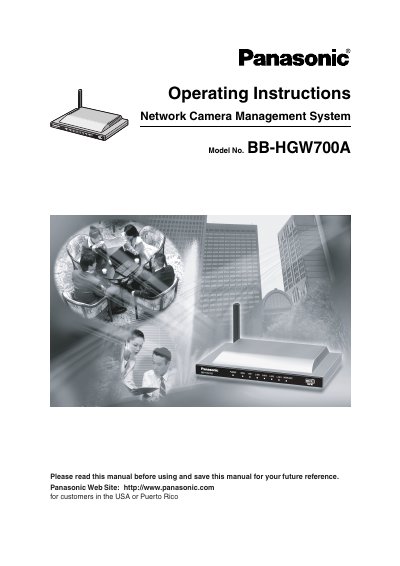
This document provides operating instructions for the Panasonic BB-HGW700A Network Camera Management System. The device is designed to manage and monitor Panasonic network cameras, featuring IPv6 compatibility, VPN support for camera privacy, and high-speed wireless LAN capabilities. It allows users to register cameras, manage connection modes, and access a camera portal for monitoring.
| Power Supply Input | AC 120 V, 60 Hz |
|---|---|
| Power Supply Output | DC 12 V, 750 mA |
| Power Consumption | Maximum: About 6 W |
| Dimensions | 204 mm x 36 mm x 140 mm |
| Weight | 330 g |
| Wireless Chip | Atheros Communications |
The system requires Windows XP, Windows 2000, Windows Me, or Windows 98SE, a 10/100 Mbps network card, over 64 MB of memory, and the TCP/IP protocol.
Compatible indoor cameras include KX-HCM8, KX-HCM10, KX-HCM250, KX-HCM280, BB-HCM311A, BL-C10A, and BL-C30A.
You can reset the device by pressing the FACTORY DEFAULT RESET Button located on the front of the unit.