
This manual is about the operating instructions for the Panasonic BL-C30A network camera. The camera features wireless communication, remote monitoring, and privacy mode.
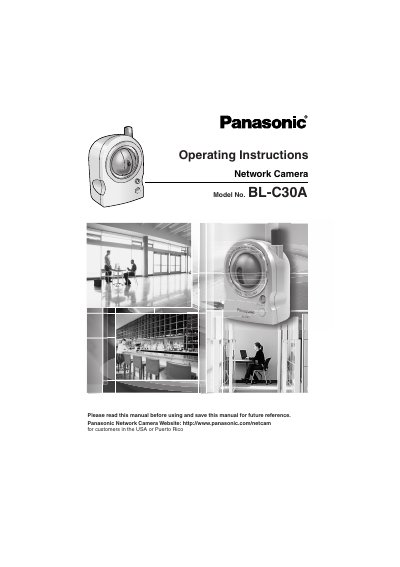
This manual provides operating instructions for the Panasonic BL-C30A Network Camera. It details how to access the camera via a web browser, configure network settings using UPnP or manually, and utilize various monitoring features including wireless communication and pyroelectric infrared sensors for motion detection. The device supports remote monitoring via PC or mobile phone and includes privacy mode functionality.
| Wireless Standard | IEEE 802.11b/g |
|---|---|
| Pan/Tilt Range | Horizontal -50° to +50°, Vertical -40° to +10° |
| Color Night View | Auto-adjusted for 1 lx illuminance |
| Operating System | Microsoft Windows XP, 2000, Me, 98SE |
| CPU Requirement | Pentium III (600 MHz or greater recommended) |
| Network Interface | 10/100 Mbps |
Yes, the camera images can be monitored over the Internet.
Pressing the privacy button on the front of the camera switches privacy mode on or off, hiding the lens to protect privacy.
The display supports English, French, German, Italian, Spanish, Russian, Simplified Chinese, and Japanese.
Yes, it supports UPnP (Universal Plug and Play) for automatic configuration when connected to a compatible router.