
This instruction booklet provides all the necessary operating information that you might require. We hope it will help you to get the most out of your new product, and that you will be pleased with your Panasonic LCD projector.
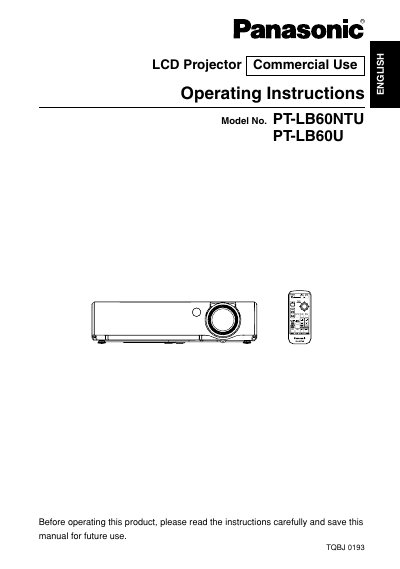
This document serves as the operating instruction booklet for the Panasonic PT-LB60NTU and PT-LB60U LCD projectors designed for commercial use. It provides comprehensive guidance on safety precautions, initial preparation, and physical setup of the device.
The manual details how to connect the projector to various input sources such as computers and video equipment, adjust picture settings including contrast and brightness, and utilize useful functions like keystone correction and screen display options. It also covers essential care and maintenance procedures, specifically regarding air filter cleaning and lamp replacement.
| Power Supply | 100 V - 240 V, 50 Hz/60 Hz AC |
|---|---|
| Product Type | LCD Projector |
The projector is designed to operate on 100 V - 240 V, 50 Hz/60 Hz AC house current.
No, the accessory cord can only be used for supplies up to 125 V, 7 A; a separate 250 V cord is needed otherwise.