
This manual provides instructions on how to connect and operate the WV-SF336 network camera, including its specifications, usage instructions, and precautions.
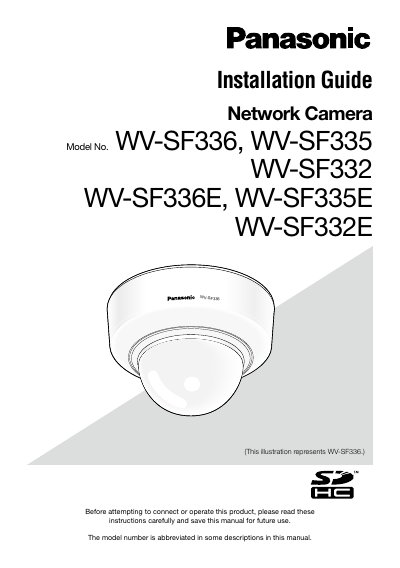
The document serves as an installation guide for the Panasonic WV-SF330 series of network cameras. It covers safety precautions, system requirements, physical setup including detaching and attaching the dome cover, and connection procedures to a PC via LAN or the Internet.
The manual details specific functions available for each model variant: the WV-SF336 supports auto focus (AF), while the WV-SF335 and WV-SF332 support focus assist (FA). It also describes network security considerations, troubleshooting steps, and lists standard and optional accessories.
| Maximum image capture size (WV-SF336) | 1280 x 960 (4:3), 1280 x 720 (16:9) |
|---|---|
| Maximum image capture size (WV-SF335) | 1280 x 960 (4:3), 1280 x 720 (16:9) |
| Maximum image capture size (WV-SF332) | 800 x 600 (4:3), 640 x 360 (16:9) |
| Compatible function (WV-SF336) | Auto focus (AF) function |
| Compatible function (WV-SF335/WV-SF332) | Focus assist (FA) function |
The WV-SF330 series are designed to operate using a PC on a network such as JOBASE-T/100BASE-TX.
Yes, these models support H.264/MPEG-4 dual stream output along with JPEG output simultaneously.