
Panasonic SV-P10U SD Mobile Printer Operating Instructions

This is an instruction manual for the Panasonic SV-P10U mobile printer
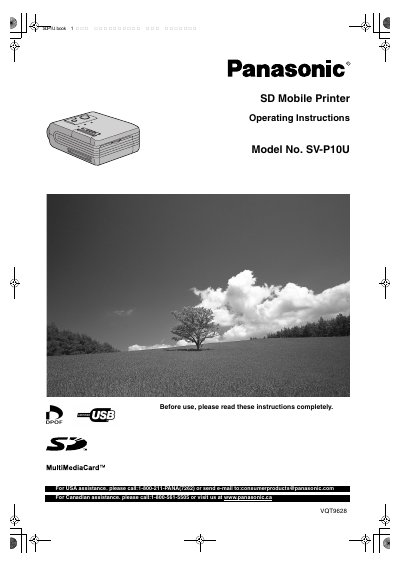

Panasonic SV-P10U SD Mobile Printer Operating Instructions - cover page
Brand
Panasonic
Category
MP3 Player
Document type
User Manual
Language
English
Pages
28
File format
PDF
File size
2.9 MB
Published
07 August, 2012
Updated
30 September, 2023
MD5 checksum
4DC04AB515BD1FD21698E027ED8E367B

About this manual

This document provides operating instructions for the Panasonic SV-P10U SD Mobile Printer. It details how to use the device to print still pictures recorded on SD Memory Cards or MultiMediaCards directly from digital devices like SD Multi AV Devices. The manual also explains how to install the printer driver on a personal computer and use the USB connection for printing files.

What's inside

  • Information for Your Safety
  • Supplied Accessories
  • Introduction
  • Quick Guide
  • Lamp indication list
  • Controls and Components
  • Power Supply
  • Using AC Adapter
  • Paper/Ink cassette
  • Basic Functions

Specifications

Input Voltage (DC)4.9V
Compatible MediaSD Memory card or MultiMediaCard

Frequently asked questions

How do I turn the printer on?

Hold down the Power Button for about 2 seconds.

Can I use any memory card?

No, only an SD Memory card or MultiMediaCard can be used.

Download PDF (2.9 MB)

More Panasonic Manuals


View all Panasonic manuals →