
Panasonic KX-FP85/KX-FP86 Compact Plain Paper FAX with Telephone Answering System Operating Instructions

This is a manual for the Panasonic KX-FP85/KX-FP86 model printer, which introduces the product's usage methods, functional features, etc.
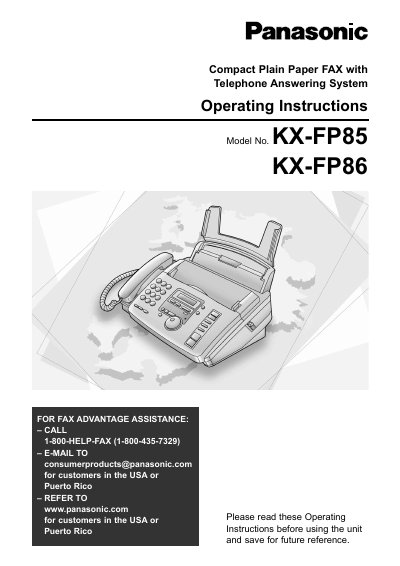

Panasonic KX-FP85/KX-FP86 Compact Plain Paper FAX with Telephone Answering System Operating Instructions - cover page
Brand
Panasonic
Category
Fax machine
Document type
User Manual
Language
English
Pages
88
File format
PDF
File size
1.6 MB
Published
07 August, 2012
Updated
01 October, 2023
Model
KX-FP85
MD5 checksum
A230BFC8266682569B5B82C632E40C87

About this manual

This manual provides operating instructions for the Panasonic KX-FP85 and KX-FP86 compact plain paper fax machines. These units combine facsimile, telephone, telephone answering device, and copier features for efficient office or home use. The document covers initial setup, connections, and the use of the built-in answering device.

What's inside

  • Initial Preparation
  • Connections
  • Date and time, your logo and facsimile telephone number
  • Making and Voice calls
  • Sending Faxes
  • Receiving
  • Copy
  • Programmable Features
  • Error Messages
  • Replacing the ink film

Specifications

Product TypeCompact Plain Paper FAX with Telephone Answering System
Included FeaturesFacsimile, telephone, telephone answering device and copier

Frequently asked questions

How do I get fax advantage assistance?

Call 1-800-HELP-FAX (1-800-435-7329) or email [email protected] for customers in the USA or Puerto Rico.

Where can I find the serial number?

The serial number is located on the rear of the unit.

What is the recommended replacement film length?

We recommend buying full size replacement film which is 50 meters (164') long.

Download PDF (1.6 MB)

More Panasonic Manuals


View all Panasonic manuals →