
This is a multifunctional fax machine that supports fax, phone and copy functions.
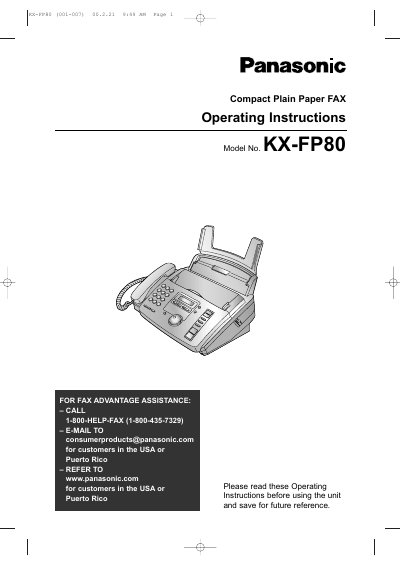
This document provides operating instructions for the Panasonic KX-FP80 Compact Plain Paper FAX. It details how to use the unit's combined facsimile, telephone, and copier features efficiently in an office or home environment.
The manual covers initial setup including connections, date/time programming, and volume adjustment. It also explains voice call procedures, fax sending and receiving modes (including IQ-FAX), and copy functions. Additionally, it includes troubleshooting for jams and error messages, as well as maintenance instructions for replacing the ink film.
| Product Type | Compact Plain Paper FAX |
|---|
The Telephone Protection Act of 1991 requires the date and time of transmission, identification of the sender, and the telephone number.
We recommend buying a full size replacement film that is 50 meters (164') long.
The Model No. KX-FA50 is used to install legal size recording paper.