
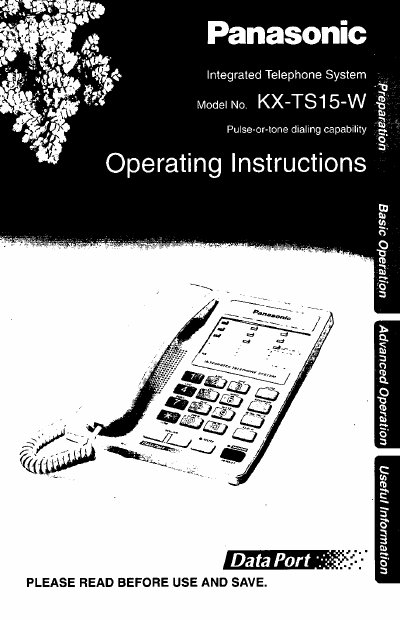
Panasonic KX-TS15-W Integrated Telephone System Operating Instructions


Panasonic KX-TS15-W Integrated Telephone System Operating Instructions - cover page
Brand
Panasonic
Category
Telephone
Document type
User Manual
Language
English
Pages
32
File format
PDF
File size
556 KB
Published
06 August, 2012
Updated
06 August, 2012
MD5 checksum
F7BE6F31D44BF23C787233521612A429

About this manual

This manual provides operating instructions for the Panasonic KX-TS15-W Integrated Telephone System. It details how to connect the handset and telephone line cord, select the dialing mode (Pulse or Tone), and adjust the ringer volume and tone. The document also covers features such as speed dialing, one-touch dialing, and using the speakerphone or optional headset.

What's inside

  • Location of Controls
  • Connecting the Handset/Telephone Line Cord
  • Connecting a Communication Device
  • Selecting the Dialing Mode
  • Selecting the Ringer Volume
  • Selecting the Ringer Tone
  • Making Calls
  • Answering Calls
  • Speed Dialer
  • One-Touch Dialer

Frequently asked questions

What type of handset must be used with this telephone system?

You must use only a Panasonic Handset for the KX-TS15-W.

What are the three options for selecting the ringer volume?

You can select the ringer volume by programming it to HIGH, MID, or LOW.

How do you select the TONE dialing mode?

To select TONE, press the [1] button after pressing [PROGRAM].

Download PDF (556 KB)

More Panasonic Manuals


View all Panasonic manuals →