
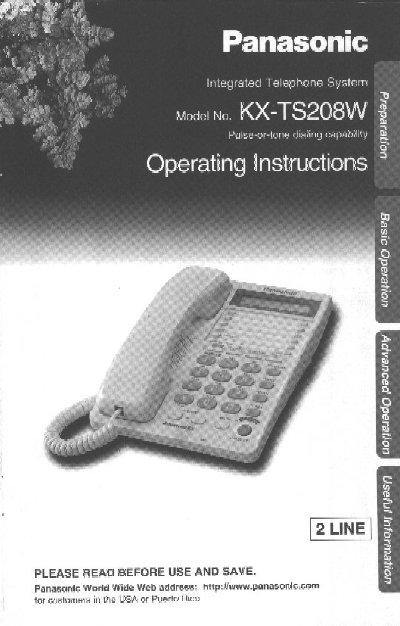
Panasonic KX-TS208W Integrated Telephone Operating Instructions


Panasonic KX-TS208W Integrated Telephone Operating Instructions - cover page
Brand
Panasonic
Category
Telephone
Document type
User Manual
Language
English
Pages
44
File format
PDF
File size
1000 KB
Published
06 August, 2012
Updated
06 August, 2012
MD5 checksum
C19A12B1D1BC06C4AC14945D5657CF12

About this manual

This document provides operating instructions for the Panasonic KX-TS208W integrated telephone. It details how to install batteries, connect the handset and telephone line cord, and configure various settings such as dialing mode, time adjustment, and LCD contrast.

The guide covers essential functions including making and answering calls, using conference calling, speed dialer, one-touch auto dial, and storing phone numbers. It also explains special features like call waiting, temporary tone dialing, muting conversations, and the use of the FLASH button.

What's inside

  • Location of Controls
  • Display
  • Settings
  • Installing the Batteries
  • Connecting the Handset
  • Making Calls
  • Answering Calls
  • Conference Call
  • Speed Dialer
  • Storing Phone Numbers

Specifications

Product TypeIntegrated Telephone

Frequently asked questions

What is the model number of this telephone?

The model number is KX-TS208W.

Where can I find the serial number?

The serial number is found on the bottom of the unit.

What should I do before using the telephone for the first time?

You must read and understand all instructions, including the Important Safety Instructions on page 39.

Download PDF (1000 KB)

More Panasonic Manuals


View all Panasonic manuals →